Eventbrite QR Code Free: How to Create Custom QR Codes for Your Events
Learn how to create an Eventbrite QR code free of charge. Enhance your event registration, boost attendance, and design custom QR codes with logos and frames for 2026.
If you’re hosting an event on Eventbrite, you already know how powerful the platform is for managing tickets and registrations. But when it comes to promoting your event in the physical world—through posters, flyers, or business cards—a plain URL isn't enough. You need an Eventbrite QR code.
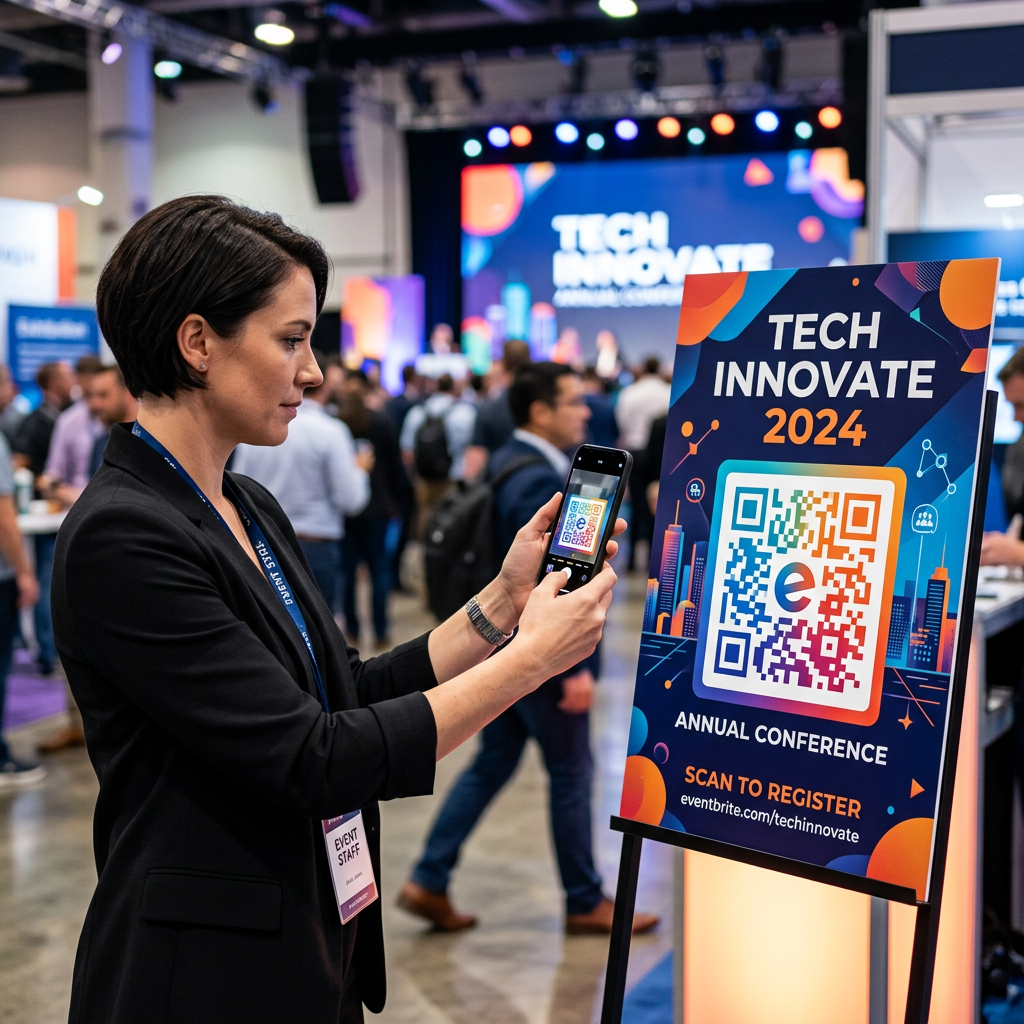
While Eventbrite provides basic codes for check-ins, a custom-designed QR code can significantly boost your scan rates and brand professionality. In this guide, we’ll show you how to use a free Eventbrite QR code generator to make your next event a sell-out success.
What is an Eventbrite QR Code?
An Eventbrite QR code is a scannable barcode that, when scanned by a smartphone, directs users straight to your Eventbrite event page. Instead of potential attendees having to type in a long, complicated URL, they can simply point their camera and register in seconds.
Why use a custom QR code instead of the default?
- Brand Consistency: Add your logo and use your brand colors.
- Call to Action: Use frames like "Scan to Register" or "Get Tickets" to guide users.
- High Scannability: Better contrast and design ensure the code works even in low-light environments.
- Free & No Expiration: Our static codes work forever without hidden fees.
How to Create an Eventbrite QR Code for Free
Creating your custom code takes less than a minute. Follow these four simple steps:
- Get Your Event URL: Go to your Eventbrite dashboard, select your published event, and copy the "Event URL" found in the "Share" section.
- Paste into CustomQR.pro: Move to our Event QR Code Generator and paste your URL.
- Customize Your Design: Add a logo (like the Eventbrite icon or your own company logo), pick your colors, and select a professional frame.
- Download & Print: Save your code in SVG for high-quality printing or PNG for digital use.
5 Powerful Ways to Use QR Codes for Your Event
1. Offline Marketing (Posters & Flyers)
Reduce friction. A person walking past a poster has about 3 seconds of attention. A QR code allows them to "save" the event or buy tickets instantly without forgetting the URL by the time they get home.
2. Physical Event Tickets
While digital tickets are common, many organizers still use physical badges or brochures. Including a QR code on these items allows attendees to access the event schedule, speaker bios, or venue maps on the fly.
3. Rapid Check-In
Use QR codes at the entrance. Your staff can use the Eventbrite Organizer app to scan attendee codes for lightning-fast check-in, reducing long queues and improving the guest experience.
4. Networking Badges
In B2B conferences, print a QR code on attendee badges that links to their LinkedIn profile or a digital business card. This modernizes networking and eliminates the need for paper business cards.
5. On-Site Feedback & Polls
Place QR codes on tables or presentation slides to direct guests to live polls, Q&A sessions, or post-event feedback forms.
Pro Tips for Event Success
- Test Before You Print: Always scan your code with both an iPhone and an Android device to ensure 100% compatibility.
- Size Matters: For posters, ensures your QR code is at least 2cm x 2cm. For larger signage, follow our QR Code Sizing Guide.
- Check Your Venue WiFi: Scanning requires internet. If your venue has poor cell service, make sure you have a backup plan (like a printed guest list) for check-ins.
- Monitor Your Link: If you are using a static QR code, ensure your Eventbrite URL stays active. If you need to change the link later, consider using a Dynamic QR Code.
Conclusion
A free Eventbrite QR code is more than just a link—it's a gateway that turns a casual observer into a registered attendee. By using a professional generator like CustomQR.pro, you can ensure your event stands out with custom branding and reliable scannability.
Ready to boost your event attendance? Create your Free Eventbrite QR Code now →
Related Resources:
Ready to Create Your QR Code?
Put what you've learned into practice. Generate your first QR code in minutes.
Start Generating QR Codes