Static vs Dynamic QR Codes: Complete Comparison Guide
Understand the key differences between static and dynamic QR codes. Learn when to use each type, compare features, costs, and use cases to make the right choice for your needs.
Understanding the difference between static and dynamic QR codes is crucial for choosing the right solution for your needs. This comprehensive guide will help you make an informed decision.
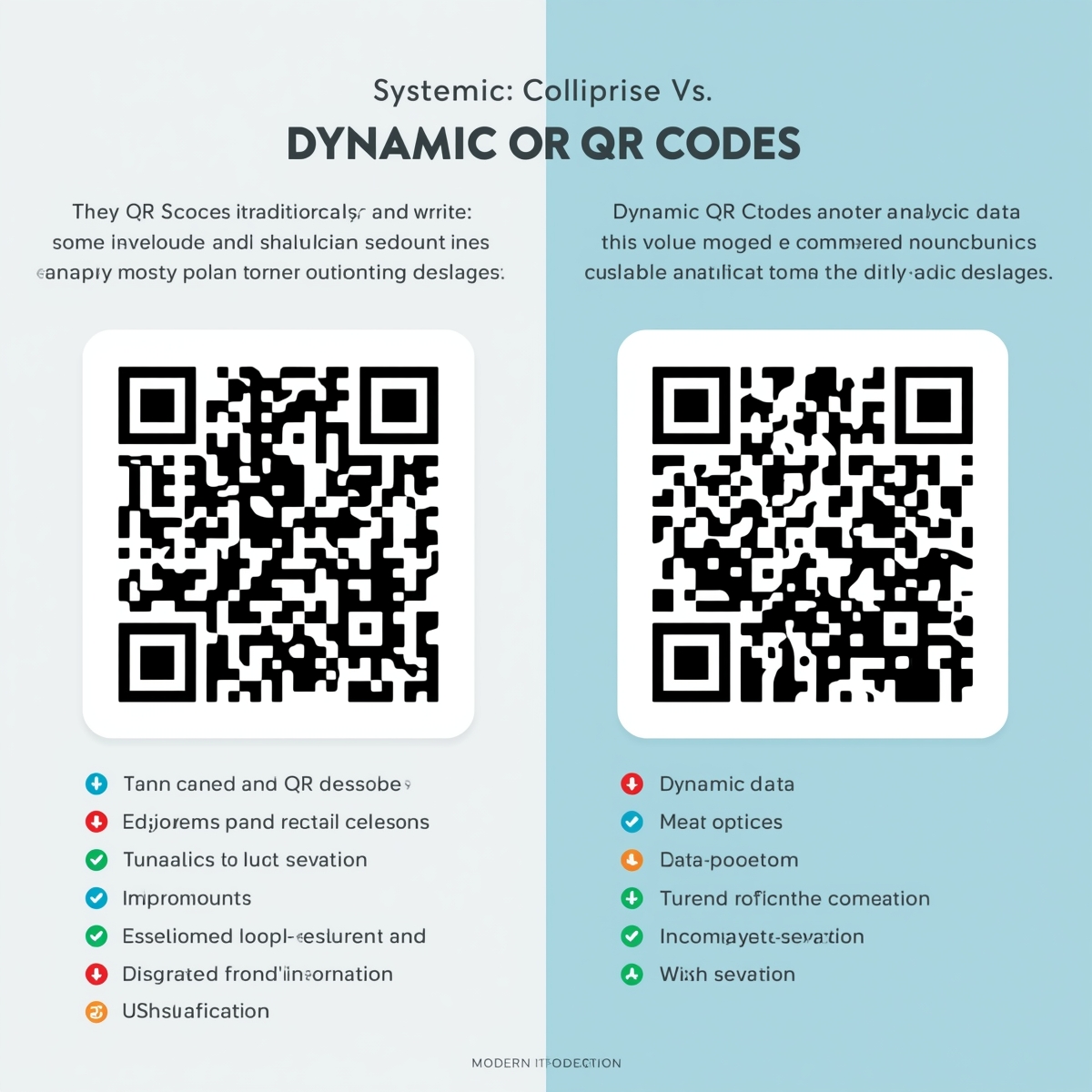
What Are Static QR Codes?
Static QR codes are permanent QR codes where the content (URL, text, etc.) is directly encoded into the QR code pattern. Once created, the content cannot be changed without generating a new QR code.
Characteristics
- Permanent content: Data is embedded in the code itself
- No editing: Cannot change content after creation
- No tracking: No analytics or scan tracking
- Free to create: Available at no cost
- Offline capable: Works without internet (for encoded data)
How They Work
- You enter your content (URL, text, etc.)
- The QR code generator encodes this data into the QR code pattern
- The QR code contains the actual data
- When scanned, the device reads the encoded data directly
What Are Dynamic QR Codes?
Dynamic QR codes contain a short URL that redirects to your actual destination. The QR code points to a redirect service, which then sends users to your final URL. This allows you to change the destination without creating a new QR code.
Characteristics
- Editable content: Can change destination URL anytime
- Full analytics: Track scans, locations, devices, and more
- Requires service: Needs a paid QR code service
- Internet required: Redirect requires internet connection
- Advanced features: Password protection, expiration, etc.
How They Work
- You create a dynamic QR code with your destination URL
- The generator creates a short URL (e.g.,
customqr.pro/abc123) - The QR code is encoded with this short URL
- When scanned, users are redirected through the service
- The service tracks the scan and redirects to your final URL
- You can edit the destination URL anytime in the dashboard
Key Differences
Content Editing
Static QR Codes:
- ❌ Cannot edit content after creation
- ❌ Must create new QR code to change content
- ❌ Requires reprinting if already printed
Dynamic QR Codes:
- ✅ Edit destination URL anytime
- ✅ No need to create new QR code
- ✅ No reprinting needed
Analytics and Tracking
Static QR Codes:
- ❌ No scan tracking
- ❌ No analytics data
- ❌ Cannot measure performance
Dynamic QR Codes:
- ✅ Full scan analytics
- ✅ Track locations, devices, times
- ✅ Measure campaign performance
- ✅ Detailed reporting dashboard
Cost
Static QR Codes:
- ✅ Free to create
- ✅ No subscription required
- ✅ Unlimited creation
Dynamic QR Codes:
- 💰 Requires paid subscription
- 💰 Typically $4.99-$35/month
- 💰 May have usage limits on some plans
Use Cases
Static QR Codes Best For:
- Permanent links that won't change
- Personal use and simple projects
- One-time events or promotions
- Basic information sharing
- When tracking isn't needed
Dynamic QR Codes Best For:
- Marketing campaigns needing tracking
- Product packaging with updatable info
- Events requiring attendance tracking
- Business cards with changeable links
- Any use case needing analytics
Detailed Feature Comparison
| Feature | Static QR Codes | Dynamic QR Codes |
|---|---|---|
| Edit Content | ❌ No | ✅ Yes |
| Analytics | ❌ No | ✅ Full analytics |
| Cost | Free | $4.99-35/month |
| Tracking | ❌ No | ✅ Yes |
| Custom Landing Pages | ❌ No | ✅ Yes |
| Password Protection | ❌ No | ✅ Yes |
| Expiration Dates | ❌ No | ✅ Yes |
| Scan Limits | ❌ No | ✅ Yes |
| Bulk Generation | ❌ Limited | ✅ Yes |
| API Access | ❌ No | ✅ Yes |
| Internet Required | No (for data) | Yes (for redirect) |
| Best For | Permanent links | Marketing, campaigns |
When to Choose Static QR Codes
Perfect For:
-
Permanent Links
- Company website URLs that won't change
- Product pages with stable URLs
- Social media profiles
- Contact information
-
Personal Use
- Personal business cards
- Hobby projects
- Simple information sharing
- One-time events
-
Budget-Conscious Projects
- When cost is a primary concern
- Small-scale projects
- Testing and experimentation
- Educational purposes
-
Offline Use
- QR codes that need to work without internet
- Encoded text or contact information
- WiFi credentials (encoded, not redirected)
Example Use Cases:
- Restaurant menu linking to permanent menu page
- Business card with LinkedIn profile
- Product label with permanent product page
- WiFi QR code for home network
- Event flyer with permanent event page
When to Choose Dynamic QR Codes
Perfect For:
-
Marketing Campaigns
- Need to track which campaigns perform best
- Want to update landing pages based on performance
- A/B testing different offers
- Measuring ROI and engagement
-
Product Packaging
- Need to update product information
- Different links for different regions
- Track product engagement
- Provide current information
-
Events and Conferences
- Track attendance and engagement
- Update event information
- Change schedules or locations
- Measure event success
-
Business Applications
- Business cards with changeable links
- Track networking effectiveness
- Update contact information
- Measure professional connections
Example Use Cases:
- Marketing campaign with tracking needs
- Product launch with updatable information
- Event tickets with check-in tracking
- Business cards with analytics
- Promotional materials needing performance data
Cost Analysis
Static QR Codes
- Creation cost: Free
- Monthly cost: $0
- Total cost: $0
- Best for: Budget-conscious users, permanent links
Dynamic QR Codes
- Creation cost: Included in subscription
- Monthly cost: $4.99-$35/month
- Total annual cost: $60-$420/year
- Best for: Businesses, marketing campaigns, tracking needs
Value Proposition: Dynamic QR codes provide analytics and editing capabilities that can justify the cost for businesses and marketers who need these features.
Real-World Scenarios
Scenario 1: Restaurant Menu
Static QR Code Approach:
- Create QR code linking to permanent menu page
- Print on table tents
- Menu page rarely changes
- No need for tracking
Dynamic QR Code Approach:
- Create QR code with tracking
- Update menu page based on season
- Track which tables scan most
- A/B test different menu layouts
Recommendation: Static QR code is sufficient unless you need tracking or frequent updates.
Scenario 2: Product Launch
Static QR Code Approach:
- Create QR code for product page
- Print on packaging
- If product info changes, must reprint packaging
Dynamic QR Code Approach:
- Create QR code with tracking
- Update product information without reprinting
- Track which products get most engagement
- Link to different pages for different regions
Recommendation: Dynamic QR code provides flexibility and tracking for product launches.
Scenario 3: Event Tickets
Static QR Code Approach:
- Create unique QR code for each ticket
- No way to track attendance
- Cannot update event information
Dynamic QR Code Approach:
- Create unique QR codes with tracking
- Track check-ins and attendance
- Update event information
- Measure engagement
Recommendation: Dynamic QR codes are essential for event management.
Making the Decision
Choose Static If:
- ✅ Content won't change after printing
- ✅ Tracking isn't needed
- ✅ Budget is a primary concern
- ✅ Simple, one-time use case
- ✅ Permanent links
Choose Dynamic If:
- ✅ Need to track performance
- ✅ Want to edit content after printing
- ✅ Running marketing campaigns
- ✅ Need analytics and insights
- ✅ Want advanced features
Hybrid Approach
You can use both types strategically:
- Static QR codes: For permanent links, personal use, simple projects
- Dynamic QR codes: For marketing, campaigns, tracking needs
Many businesses use static QR codes for basic needs and dynamic QR codes for marketing and campaigns.
Migration Considerations
Can You Convert Static to Dynamic?
No, you cannot convert a static QR code to dynamic. You must create a new dynamic QR code. However, you can:
- Create a new dynamic QR code with the same destination
- Gradually replace static codes with dynamic ones
- Use dynamic codes for new projects
Transition Strategy
- Audit existing QR codes: Identify which need tracking or editing
- Prioritize: Focus on high-value use cases first
- Create dynamic versions: Generate dynamic QR codes for priority cases
- Gradual replacement: Replace static codes over time as needed
Best Practices
For Static QR Codes:
- Test thoroughly before printing
- Use permanent, stable URLs
- Ensure high quality and contrast
- Keep backup of QR code files
For Dynamic QR Codes:
- Monitor analytics regularly
- Update content strategically
- Use custom landing pages
- Set expiration dates for campaigns
- Track performance and optimize
Conclusion
Both static and dynamic QR codes have their place in your toolkit. Static QR codes are perfect for permanent links and simple use cases, while dynamic QR codes provide the flexibility and tracking needed for marketing and business applications.
Key Takeaways:
- Static QR codes are free and permanent
- Dynamic QR codes offer editing and analytics
- Choose based on your specific needs
- Consider cost vs. value for your use case
- You can use both types strategically
At CustomQR.pro, we offer both free static QR code generation and professional dynamic QR codes starting at just $4.99/month, giving you the flexibility to choose the right solution for each project.
Ready to create QR codes? Start with free static QR codes or upgrade to dynamic QR codes for advanced features and analytics.
Ready to Create Your QR Code?
Put what you've learned into practice. Generate your first QR code in minutes.
Start Generating QR CodesRelated Articles
Why Use QR Code? Benefits, Use Cases, and Real-World Applications
Discover why QR codes are essential for businesses and individuals. Learn about QR code benefits, use cases, ROI, and success stories. Find out when and how to use QR codes effectively.
When to Use QR Code: Best Use Cases and Timing Guide
Learn when to use QR codes effectively. Discover the best scenarios, timing, and use cases for QR codes in business and personal applications. Avoid common mistakes.
What Size Should QR Code Be? Complete Size Guide for All Use Cases
Learn the optimal QR code size for printing, digital display, and different applications. Understand minimum size requirements, distance calculations, and best practices for QR code dimensions.