What is a QR Code: Complete Beginner's Guide
Learn what QR codes are, how they work, and why they're useful. Complete beginner's guide to QR codes with examples, use cases, and practical applications.
QR codes have become an integral part of our daily lives, appearing everywhere from restaurant menus to product packaging. But what exactly is a QR code, and how does it work? This comprehensive guide will explain everything you need to know about QR codes, from their basic definition to practical applications.
Understanding QR Codes
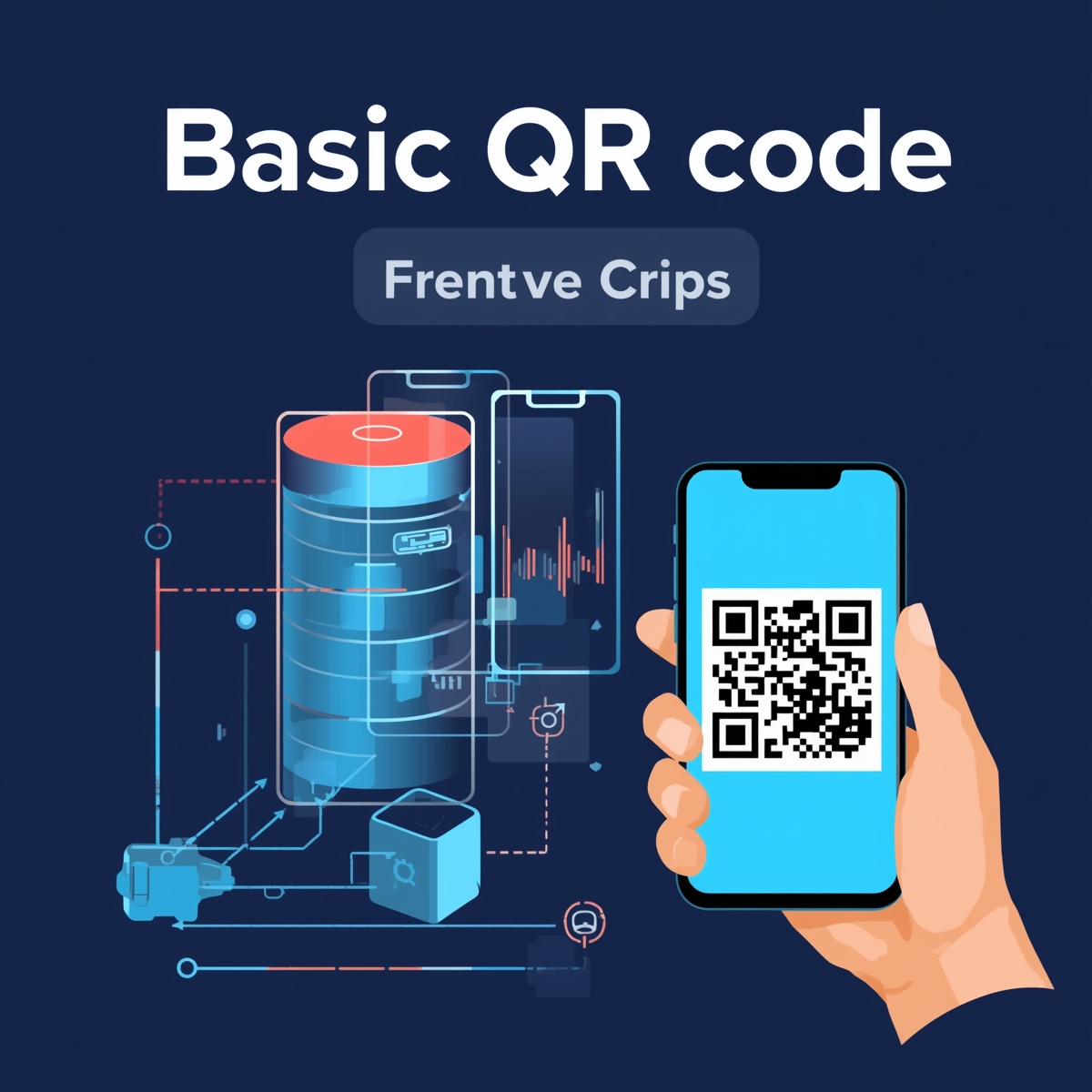
A QR code (Quick Response code) is a two-dimensional barcode that can store various types of information. Unlike traditional barcodes that can only hold a limited amount of data, QR codes can encode much more information and can be scanned quickly using a smartphone camera.
The History of QR Codes
QR codes were invented in 1994 by Denso Wave, a Japanese automotive company, to track vehicles during manufacturing. The "Quick Response" name reflects the code's ability to be decoded rapidly. Originally used in industrial settings, QR codes have since become popular worldwide for consumer applications.
How QR Codes Work
QR codes work by encoding data in a pattern of black squares (modules) arranged on a white square grid. The pattern can be read by imaging devices (like smartphone cameras) and processed using error correction algorithms. The information is then decoded and displayed to the user.
Key Components
- Finder Patterns: Three squares in the corners that help scanners locate and orient the code
- Alignment Patterns: Help with orientation and correction
- Timing Patterns: Horizontal and vertical lines that help determine the size of the data matrix
- Data Area: Contains the actual encoded information
- Quiet Zone: White border around the code that separates it from surrounding content
Types of QR Codes
Static QR Codes
Static QR codes contain fixed information that cannot be changed once created. The data is directly encoded into the QR code pattern.
Characteristics:
- Content is permanent
- No internet required to decode
- Free to create
- Cannot be updated without creating a new code
- No analytics or tracking
Best For: Personal use, one-time events, fixed content
Dynamic QR Codes
Dynamic QR codes use a short URL that redirects to your actual content. The QR code itself doesn't change, but you can update where it points to.
Characteristics:
- Content can be updated anytime
- Requires internet connection
- Includes analytics and tracking
- Usually requires a paid service
- More flexible for businesses
Best For: Marketing campaigns, changing content, businesses needing analytics
What Information Can QR Codes Store?
QR codes can encode various types of information:
URLs and Websites
- Link to websites or landing pages
- Social media profiles
- Online resources
Contact Information
- vCard format for business cards
- Phone numbers
- Email addresses
- Physical addresses
Text
- Plain text messages
- Instructions or notes
- Product information
WiFi Credentials
- Network name (SSID)
- Password
- Security type
Other Data Types
- Email messages (pre-filled)
- SMS messages (pre-filled)
- Calendar events
- App store links
- Payment information
Why Are QR Codes Popular?
Convenience
- Instant Access: No need to type URLs or information manually
- Mobile-Friendly: Works with any smartphone camera
- Universal: Recognized and used worldwide
- Fast: Scans in seconds
Versatility
- Multiple Data Types: Store URLs, text, contacts, WiFi, and more
- Print and Digital: Use in both physical and digital formats
- Various Sizes: Scale from small to large format
- Customizable: Add logos, colors, and frames
Business Benefits
- Track Engagement: Measure scans and interactions (with dynamic codes)
- Bridge Physical and Digital: Connect print materials to online content
- Cost-Effective: Inexpensive to create and implement
- Marketing Tool: Effective for campaigns and promotions
Common Use Cases
Business and Marketing
- Restaurant Menus: Digital menus accessible via QR code
- Product Information: Link to product pages and reviews
- Marketing Campaigns: Track campaign performance
- Event Registration: Quick sign-up for events
- Customer Feedback: Link to surveys and reviews
Personal Use
- WiFi Sharing: Share network credentials easily
- Contact Exchange: Business card QR codes
- Social Media: Link to profiles
- Personal Websites: Share portfolio or blog
Industry Applications
- Retail: Product tracking and information
- Healthcare: Patient information and records
- Education: Course materials and resources
- Transportation: Tickets and boarding passes
- Real Estate: Property listings and virtual tours
How to Scan QR Codes
Using Your Smartphone
Most modern smartphones can scan QR codes using the built-in camera app:
- Open Camera App: Launch your phone's camera
- Point at QR Code: Hold the camera over the QR code
- Wait for Recognition: The phone will detect the code automatically
- Tap Notification: Tap the notification that appears
- Access Content: The encoded information will open
No Special App Needed
- iPhone: iOS 11+ has built-in QR code scanning
- Android: Android 8+ has native QR code support
- Most Modern Phones: Camera apps can read QR codes automatically
If Your Phone Doesn't Support It
If your phone's camera doesn't automatically scan QR codes, you can:
- Download a QR code scanner app
- Use Google Lens (Android)
- Use third-party scanner apps
How to Create QR Codes
Free Online Generators
- No Registration: Create codes instantly
- Basic Features: Standard QR codes
- Multiple Types: URL, text, WiFi, vCard, etc.
- Customization: Some allow colors and logos
Example: CustomQR.pro offers free QR code generation with no sign-up required.
Professional Tools
- Advanced Features: Dynamic codes, analytics
- Customization: Logos, colors, frames
- Bulk Generation: Create multiple codes at once
- Analytics: Track scans and engagement
Step-by-Step Creation
- Choose a Generator: Select a free or paid tool
- Select Type: Choose what you want to encode (URL, text, etc.)
- Enter Data: Input your information
- Customize (optional): Add logo, colors, frame
- Generate: Create your QR code
- Download: Save as PNG, SVG, or PDF
- Test: Scan to verify it works
- Use: Print or display your QR code
QR Code Best Practices
Design Guidelines
- Size: Minimum 1x1 inch for print
- Contrast: High contrast (dark on light)
- Error Correction: Use appropriate level for customization
- Testing: Always test before printing
- Quality: Use high resolution for print
Placement Tips
- Visible: Place where users can easily see and scan
- Accessible: At eye level, easy to reach
- Lighting: Ensure adequate lighting
- Instructions: Include "Scan Me" or instructions
- Context: Explain what users will get
Content Best Practices
- Mobile-Optimized: Ensure destination works on mobile
- Fast Loading: Optimize landing pages
- Relevant: Content matches QR code context
- Secure: Use HTTPS for URLs
- Tested: Verify links work before printing
QR Code Security
Safety Considerations
- Source Verification: Only scan codes from trusted sources
- URL Preview: Check the URL before opening
- Malware Risk: Be cautious with unknown codes
- Privacy: Be aware of what information you're sharing
For Businesses
- Secure Content: Use HTTPS for all URLs
- Regular Updates: Keep content current
- Monitor: Track unusual activity
- Best Practices: Follow security guidelines
Frequently Asked Questions
Q: What does QR stand for?
A: QR stands for "Quick Response." The name reflects the code's ability to be decoded rapidly by scanning devices.
Q: Do QR codes expire?
A: Static QR codes don't expire - they work as long as the encoded information is valid. Dynamic QR codes can be set to expire or can be updated/deactivated by the creator.
Q: Can QR codes be customized?
A: Yes! QR codes can be customized with:
- Logos in the center
- Different colors
- Decorative frames
- Custom patterns
- Branded designs
However, customization must maintain scannability with proper error correction.
Q: How much data can a QR code store?
A: QR codes can store:
- Up to 7,089 numeric characters
- Up to 4,296 alphanumeric characters
- Up to 2,953 bytes of binary data
- Up to 1,817 Kanji characters
Q: Do I need an app to scan QR codes?
A: Most modern smartphones (iPhone 11+, Android 8+) can scan QR codes using the built-in camera app. Older devices may need a dedicated QR code scanner app.
Q: Are QR codes free to create?
A: Yes, basic static QR codes are free to create using online generators. Dynamic QR codes with analytics usually require a paid subscription.
Q: Can QR codes be tracked?
A: Static QR codes cannot be tracked. Dynamic QR codes can provide analytics including:
- Number of scans
- Time and date of scans
- Location data (if enabled)
- Device information
Q: What's the difference between a QR code and a barcode?
A:
- Barcodes: One-dimensional, store limited data, require specific scanner
- QR Codes: Two-dimensional, store more data, can be scanned with smartphone cameras
Summary
QR codes are versatile, convenient tools that bridge the physical and digital worlds. They can store various types of information, from simple URLs to complex data, and can be scanned instantly with any smartphone. Whether for personal use or business applications, QR codes offer an efficient way to share information and connect with users.
Key Takeaways:
- QR codes are two-dimensional barcodes that store information
- They can encode URLs, text, contacts, WiFi credentials, and more
- Most modern smartphones can scan them without special apps
- They can be customized with logos and colors while maintaining functionality
- Static codes are free; dynamic codes offer analytics and updates
Ready to create your first QR code? Start creating →
Related Resources
- Create QR Code - Free QR code generator
- How to Create QR Code - Step-by-step guide
- QR Code Types - Explore all QR code types
- QR Code Best Practices - Tips and guidelines
- Dynamic QR Codes - Learn about editable codes
Start Creating
Now that you understand what QR codes are, it's time to create your first one! Get started →
Ready to Create Your QR Code?
Put what you've learned into practice. Generate your first QR code in minutes.
Start Generating QR CodesRelated Articles
What Is QR Code Scanner? Complete Guide to QR Code Scanning
Learn what QR code scanners are, how they work, and different types available. Compare online scanners vs apps, and discover the best QR code scanner for your needs.
How Does QR Code Work? Technical Explanation and Mechanism
Learn how QR codes work technically: encoding, decoding, error correction, and data storage. Complete technical explanation of QR code mechanism and structure.
How to Create a QR Code: Complete Beginner's Guide
Step-by-step guide on how to create QR codes. Learn the basics of QR code generation, customization, and best practices for beginners. Create your first QR code in minutes.