QR Code Best Practices: Complete Guide for Maximum Effectiveness
Learn QR code best practices for design, placement, testing, and optimization. Complete guide with tips, examples, and common mistakes to avoid for successful QR code campaigns.
QR codes are powerful tools when used correctly, but many campaigns fail due to poor implementation. This comprehensive guide covers QR code best practices for design, placement, testing, and optimization to ensure your QR codes deliver maximum results.
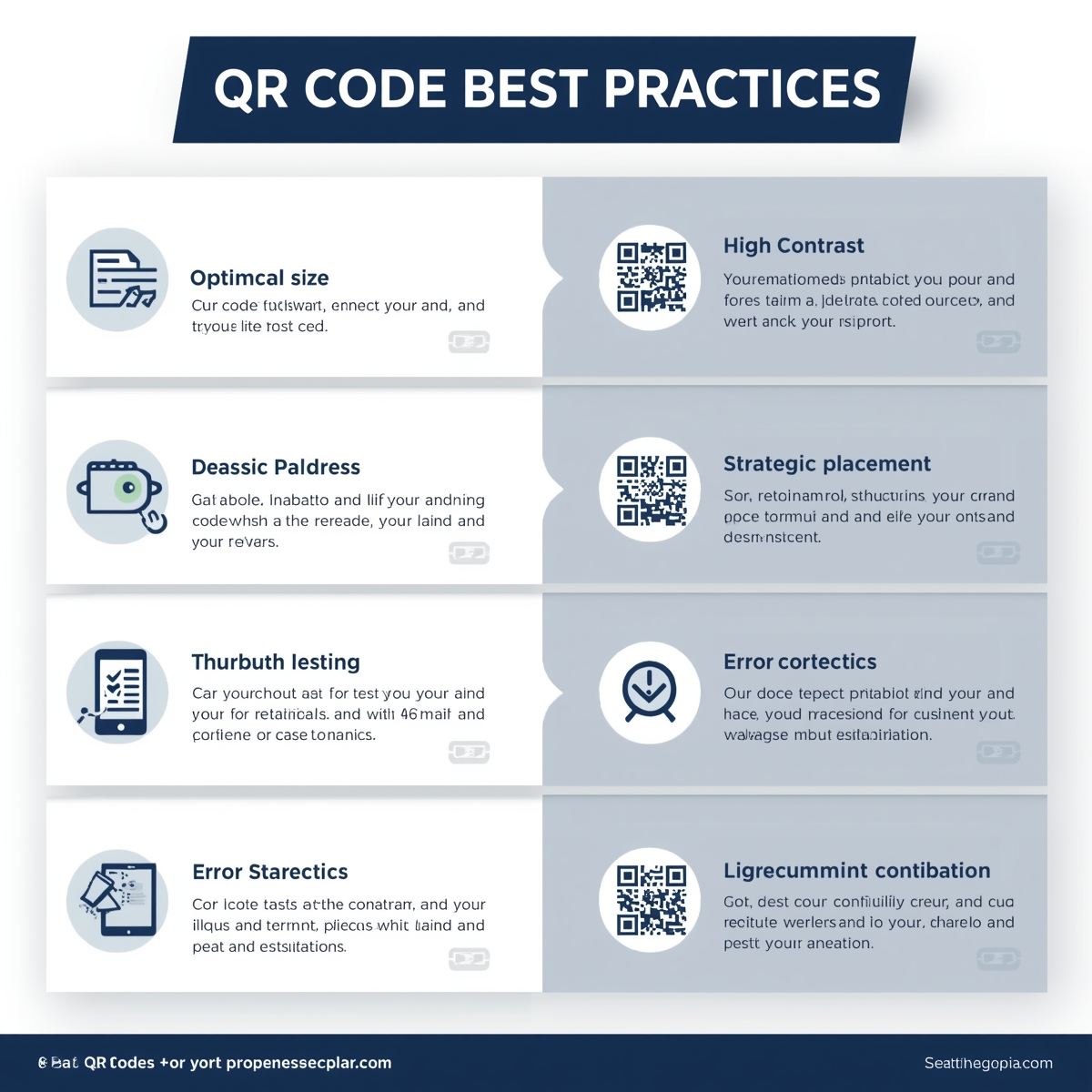
Why QR Code Best Practices Matter
Following best practices ensures your QR codes:
- Scan Successfully: Work reliably on all devices
- Drive Engagement: Encourage users to scan
- Deliver Value: Provide positive user experience
- Achieve Goals: Meet your campaign objectives
- Build Trust: Create professional impression
Design Best Practices
Size and Resolution
Minimum Size Requirements
- Print: Minimum 1x1 inch (2.5x2.5 cm)
- Digital: Minimum 200x200 pixels
- Large Format: Scale proportionally
- Mobile Screens: At least 2x2 inches
Resolution Guidelines
- Print: 300 DPI minimum
- Web: 72-150 DPI
- Vector: SVG for unlimited scaling
- High Quality: Always use high-resolution source
Why It Matters: Too small QR codes are difficult to scan, especially from a distance or in poor lighting.
Color and Contrast
Contrast Requirements
- Minimum Ratio: 4:1 contrast ratio
- Foreground: Dark colors (black, navy, dark gray)
- Background: Light colors (white, light gray)
- Avoid: Similar colors, red on red
- Test: Verify in different lighting
Color Best Practices
- Use high contrast combinations
- Test print colors vs. screen colors
- Consider colorblind accessibility
- Maintain brand colors when possible
- Test in various lighting conditions
Why It Matters: Low contrast makes QR codes unreadable, causing scan failures.
Logo Integration
Logo Guidelines
- Size: Maximum 30% of QR code area
- Position: Center placement
- Error Correction: Use Level Q or H
- Contrast: Ensure logo contrasts with background
- Testing: Always test before finalizing
Logo Best Practices
- Use simple, high-contrast logos
- Avoid complex details
- Test on multiple devices
- Consider logo shape and placement
- Use appropriate error correction
Why It Matters: Logos that are too large or low contrast can prevent scanning.
Error Correction Levels
Level Selection Guide
- Level L (7%): Basic codes, no customization
- Level M (15%): Small logos, minimal customization
- Level Q (25%): Medium logos, recommended
- Level H (30%): Large logos, maximum customization
When to Use Each Level
- Level L: Simple, high-quality print
- Level M: Small logos, good print quality
- Level Q: Most custom codes, recommended
- Level H: Maximum customization, lower quality print
Why It Matters: Appropriate error correction ensures codes scan even with logos or damage.
Placement Best Practices
Physical Placement
Optimal Locations
- Eye Level: 3-5 feet from ground
- Accessible: Easy to reach and scan
- Visible: Clear line of sight
- Stable: Won't move or get damaged
- Lighting: Adequate, even lighting
Placement Context
- Business Cards: Top right or bottom right
- Posters: Center or prominent position
- Products: Visible, accessible location
- Menus: Each page or table tent
- Signs: Eye level, well-lit area
Digital Placement
Screen Placement
- Above the Fold: Visible without scrolling
- Prominent Position: Not hidden or small
- Clear Context: Explain what code does
- Mobile-Friendly: Large enough on mobile
- Testing: Test on various screen sizes
Website Integration
- Call-to-Action: Clear instructions
- Context: Explain value proposition
- Size: Large enough to scan from screen
- Position: Strategic placement
- Testing: Test on different devices
Context and Instructions
Always Include
- Clear Instructions: "Scan to..." or "Scan for..."
- Value Proposition: What user gets
- Device Compatibility: Works with any smartphone
- Visual Cues: Arrow or icon pointing to code
- Trust Indicators: Security or privacy notes
Instruction Examples
- "Scan to view menu"
- "Scan to connect to WiFi"
- "Scan to save contact"
- "Scan for exclusive offer"
- "Scan to learn more"
Why It Matters: Users need to know why they should scan and what they'll get.
Content Best Practices
Destination URLs
URL Best Practices
- Mobile-Optimized: Ensure destination works on mobile
- Fast Loading: Optimize page speed
- Relevant: Content matches QR code context
- Secure: Use HTTPS
- Tested: Verify URL works before printing
Landing Page Requirements
- Mobile-Friendly: Responsive design
- Fast: Loads quickly
- Clear: Easy to understand
- Actionable: Clear next steps
- Valuable: Delivers promised value
Content Types
URL QR Codes
- Use shortened URLs for dynamic codes
- Ensure mobile optimization
- Test landing page functionality
- Verify HTTPS security
- Check page load speed
vCard QR Codes
- Include essential information only
- Verify all contact details
- Test contact saving
- Keep information current
- Consider dynamic codes for updates
WiFi QR Codes
- Double-check network credentials
- Test connection before sharing
- Use appropriate security type
- Consider guest network separation
- Test on multiple devices
Testing Best Practices
Pre-Launch Testing
Device Testing
- iPhone: Test on multiple iPhone models
- Android: Test on various Android devices
- Tablets: Verify tablet compatibility
- Older Devices: Test on older phones
- Different Apps: Test with various scanner apps
Environment Testing
- Lighting: Test in various lighting conditions
- Distance: Test from different distances
- Angles: Test from various angles
- Print Quality: Test printed versions
- Surface: Test on different materials
Quality Assurance Checklist
- Scans on multiple devices
- Works in different lighting
- Destination URL loads correctly
- Mobile-optimized landing page
- Fast page load time
- Clear value proposition
- Appropriate size for context
- High contrast maintained
- Error correction adequate
- Instructions included
Marketing Best Practices
Campaign Integration
Campaign Best Practices
- Clear Goals: Define campaign objectives
- Target Audience: Know your audience
- Value Proposition: Clear benefits
- Call-to-Action: Compelling CTA
- Tracking: Measure results
Promotion Strategies
- Social Media: Share QR codes online
- Email: Include in email campaigns
- Print Materials: Business cards, flyers
- Events: Display at events
- Packaging: Include on products
Analytics and Optimization
Track Performance
- Scan Count: Total scans
- Unique Scans: Unique users
- Conversion Rate: Scans to actions
- Time Data: Peak usage times
- Location Data: Geographic distribution
Optimization Tips
- Test different placements
- A/B test different designs
- Optimize landing pages
- Improve value propositions
- Refine based on data
Common Mistakes to Avoid
Design Mistakes
Size and Quality
- ❌ Too small to scan
- ❌ Low resolution
- ❌ Poor print quality
- ❌ Blurry or pixelated
- ❌ Wrong file format
Color and Contrast
- ❌ Low contrast colors
- ❌ Similar foreground/background
- ❌ Colors that don't print well
- ❌ Ignoring accessibility
- ❌ Not testing colors
Placement Mistakes
Physical Placement
- ❌ Too high or too low
- ❌ Poor lighting
- ❌ Hard to reach
- ❌ Obstructed view
- ❌ Moving surface
Context Mistakes
- ❌ No instructions
- ❌ Unclear value
- ❌ Wrong context
- ❌ Hidden or small
- ❌ No call-to-action
Content Mistakes
Destination Issues
- ❌ Broken links
- ❌ Not mobile-friendly
- ❌ Slow loading
- ❌ Wrong content
- ❌ Security issues
Information Errors
- ❌ Incorrect contact info
- ❌ Wrong WiFi password
- ❌ Outdated information
- ❌ Typos or errors
- ❌ Missing information
Industry-Specific Best Practices
Restaurants
- Menu QR Codes: One per table, large size
- WiFi QR Codes: Easy access, clear instructions
- Promotions: Time-sensitive offers
- Feedback: Post-meal surveys
- Loyalty: Rewards program integration
Retail
- Product Information: Detailed product pages
- Reviews: Customer review links
- Promotions: Special offers
- Inventory: Stock availability
- Support: Customer service access
Events
- Registration: Event sign-up
- Schedules: Event programs
- Networking: Contact exchange
- Feedback: Post-event surveys
- Resources: Event materials
Real Estate
- Listings: Property information
- Virtual Tours: 3D tours
- Contact: Agent information
- Schedules: Open house times
- Resources: Neighborhood info
Advanced Best Practices
Dynamic QR Codes
When to Use
- Content that changes
- Need for analytics
- Marketing campaigns
- A/B testing
- Time-sensitive content
Best Practices
- Update content regularly
- Monitor analytics
- Optimize based on data
- Test different content
- Maintain code consistency
Bulk Generation
Best Practices
- Prepare clean data
- Use consistent design
- Test sample batch
- Organize files properly
- Document each code
Frequently Asked Questions
Q: What's the minimum size for a QR code?
A: For print, minimum 1x1 inch (2.5x2.5 cm). For digital displays, minimum 200x200 pixels. Larger is always better for reliability. Consider viewing distance - codes viewed from farther away need to be larger.
Q: Can I use any colors for QR codes?
A: Yes, but maintain high contrast (4:1 minimum). Use dark colors for foreground and light colors for background. Avoid similar colors or red on red. Always test to ensure scannability.
Q: How do I know if my QR code will work?
A: Test thoroughly:
- Scan on multiple devices (iPhone, Android)
- Test in different lighting
- Verify from various distances
- Check printed version
- Test destination URL
- Verify mobile optimization
Q: Should I include instructions with my QR code?
A: Yes! Always include clear instructions explaining:
- What to scan (point to the code)
- Why to scan (value proposition)
- How to scan (use phone camera)
- What happens (what they'll get)
Q: How often should I update my QR codes?
A: It depends:
- Static codes: Update when content changes (requires reprinting)
- Dynamic codes: Update anytime without reprinting
- Regular review: Check links monthly
- Campaign updates: Update for new campaigns
- Seasonal: Update for seasonal content
Q: What's the best error correction level?
A:
- Level L (7%): Basic codes, high-quality print
- Level M (15%): Small logos, good quality
- Level Q (25%): Most custom codes, recommended
- Level H (30%): Maximum customization, lower quality print
For custom codes with logos, use Level Q or H.
Summary
Following QR code best practices ensures your codes work reliably, engage users, and achieve your goals. Key principles include proper sizing, high contrast, clear instructions, thorough testing, and mobile optimization. Remember to test on multiple devices, provide clear value, and optimize based on analytics.
Key Takeaways:
- Minimum 1x1 inch for print, maintain high contrast
- Include clear instructions and value proposition
- Test thoroughly on multiple devices and environments
- Ensure mobile-optimized destinations
- Use appropriate error correction for customization
- Track performance and optimize based on data
Ready to create QR codes following best practices? Start creating →
Related Resources
- Create QR Code - Free QR code generator
- Custom QR Code Guide - Design customization
- Dynamic QR Codes - Learn about editable codes
- QR Code Size Guide - Size and resolution tips
- View All Features - Explore QR code types
Start Creating
Ready to create effective QR codes? Start creating →
Ready to Create Your QR Code?
Put what you've learned into practice. Generate your first QR code in minutes.
Start Generating QR CodesRelated Articles
Why Use QR Code? Benefits, Use Cases, and Real-World Applications
Discover why QR codes are essential for businesses and individuals. Learn about QR code benefits, use cases, ROI, and success stories. Find out when and how to use QR codes effectively.
When to Use QR Code: Best Use Cases and Timing Guide
Learn when to use QR codes effectively. Discover the best scenarios, timing, and use cases for QR codes in business and personal applications. Avoid common mistakes.
What Size Should QR Code Be? Complete Size Guide for All Use Cases
Learn the optimal QR code size for printing, digital display, and different applications. Understand minimum size requirements, distance calculations, and best practices for QR code dimensions.