How to Create a QR Code for a Google Maps Location: 2026 Guide
Learn how to turn any Google Maps location into a scannable QR code. Perfect for business storefronts, event invitations, and real estate flyers.
Getting customers to your front door shouldn't be a struggle. In 2026, nobody wants to type a complex address into a navigation app or search for a business name that might have multiple results.
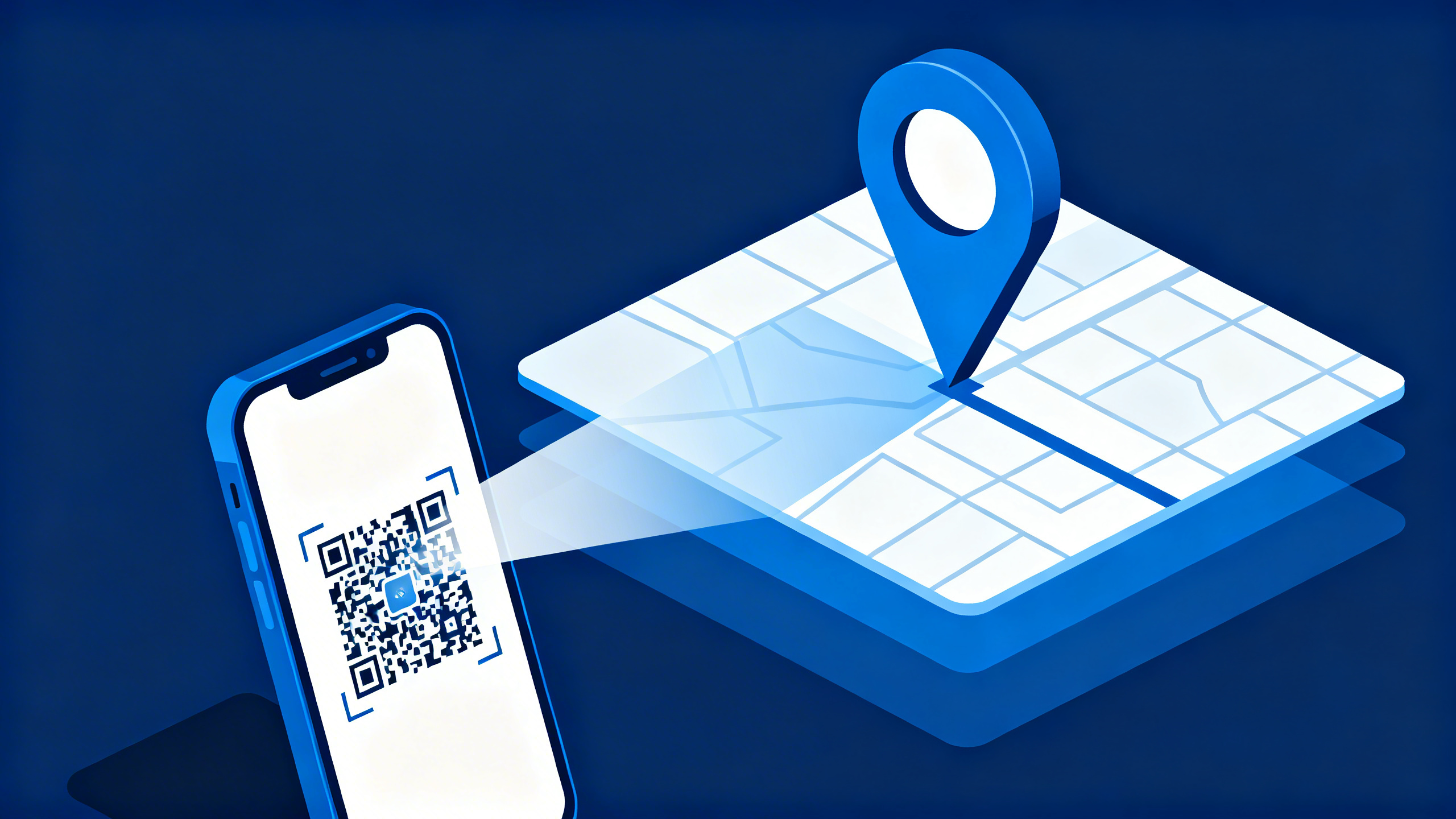
A Google Maps QR Code removes all friction. With one quick scan, your customers see your exact location and can start turn-by-turn navigation instantly. Whether you're a retail owner guiding shoppers to a pop-up store or a healthcare provider helping patients find the correct clinic entrance, a location QR code is a game-changer for driving foot traffic.
In this guide, we’ll show you how to create a professional, trackable location QR code in less than 60 seconds.
Why Use a QR Code for Google Maps?
- Frictionless Navigation: No more copy-pasting complicated links or dealing with mistyped addresses.
- Error Reduction: Ensure users land on the exact pin, even for remote areas or complex shopping centers.
- Dynamic Flexibility: With Dynamic QR Codes, if your office relocates, you can update the destination link without reprinting your storefront decals.
- Bridge Print & Digital: Turn flyers, business cards, and posters into immediate conversion opportunities.
Two Ways to Generate Your Map QR Code
At CustomQR.pro, we provide two methods to link your location accurately:
Method A: Using a Google Maps Link (Easiest)
- Open Google Maps and find your location.
- Select the "Share" button and click "Copy link".
- Paste this link into the CustomQR.pro URL Generator and select "Dynamic" for tracking.
Method B: Using Coordinates (Most Precise)
For locations without a formal street address (like an outdoor festival area or a specific hospital wing entrance):
- Right-click on any spot in Google Maps to get the Latitude and Longitude.
- Enter these coordinates directly into our Location QR tool.
Mastering the "Scan to Visit" Workflow
1. The Call to Action (CTA)
Even the best QR code needs a label. Pair your code with a clear CTA like:
- "Scan for Directions"
- "Open in Google Maps"
- "Visit our Showroom"
2. Technical Print Specifications
To ensure 100% scannability in the real world:
- Contrast Ratio: Aim for a minimum 7:1 contrast ratio between the QR code and the background.
- Minimum Size: For flyers and posters, use a minimum size of 2 x 2 inches.
- Materials: Avoid highly reflective or glossy surfaces that create glare.
3. Stress Testing is Mandatory
Before mass-printing, perform an "End-to-End" test:
- Cross-App Test: Verify behavior on both Google Maps (Android/iOS) and Apple Maps.
- Lighting Test: Scan in bright sunlight and low-light environments to ensure the camera can lock on.
- Data Check: Verify that the scan appears in your CustomQR.pro analytics dashboard instantly.
2026 Tactical Use Cases
🏥 Healthcare & Clinics
Support timely arrivals by helping patients find the correct specific entrance or ward. Place QR codes on appointment slips and SMS reminders to reduce missed check-ins.
🏫 Education & Campuses
Make navigation simple for visitors and students. Use QR codes on outdoor signage to help people find specific buildings, classrooms, or event locations without needing to find a staff member.
� Multi-Location Businesses
If you have multiple branches, use a Multi-URL QR Code. One scan can display a list of all your locations, helping the visitor find the one nearest to them effortlessly.
🏠 Real Estate & Events
Place QR codes on "For Sale" signs or window decals. For one-time events, use Dynamic QR Codes to "recycle" the code after the event—directing future scanners to a "Thank You" page or your next listing.
Conclusion: Lead the Way with Precision
A Google Maps QR code is the simplest way to bridge the gap between a digital link and a real-world physical location. By removing the hassle of searching and typing, you ensure that more consumers actually make it to your doorstep.
Ready to lead the way? Create your trackable Google Maps QR Code with CustomQR.pro today →
Ready to Create Your QR Code?
Put what you've learned into practice. Generate your first QR code in minutes.
Start Generating QR CodesRelated Articles
How to Create a QR Code for a Phone Number: The 2026 Connectivity Guide
Turn your phone number into a scannable QR code. Learn how it works, why it's safer than manual entry, and how to use it for business and personal networking.
How to Make a WiFi QR Code: The Ultimate 2026 Guide to Instant Connectivity
Stop typing long passwords. Learn how WiFi QR codes work, how to scan them on any device, and how to create your own for home or business in seconds.
How to Scan QR Code: Complete Guide for All Devices
Learn how to scan QR codes on iPhone, Android, and web browsers. Step-by-step guide with troubleshooting tips. Scan QR codes instantly with your smartphone camera or our free online scanner.