Complete Guide to Dynamic QR Codes: Everything You Need to Know
Learn everything about dynamic QR codes: how they work, benefits, use cases, and when to use them. Complete guide to editable QR codes with analytics and tracking.
Dynamic QR codes have revolutionized how businesses use QR codes. Unlike static QR codes that are fixed once created, dynamic QR codes allow you to update the content anytime without reprinting. This comprehensive guide covers everything you need to know about dynamic QR codes, from how they work to when to use them.
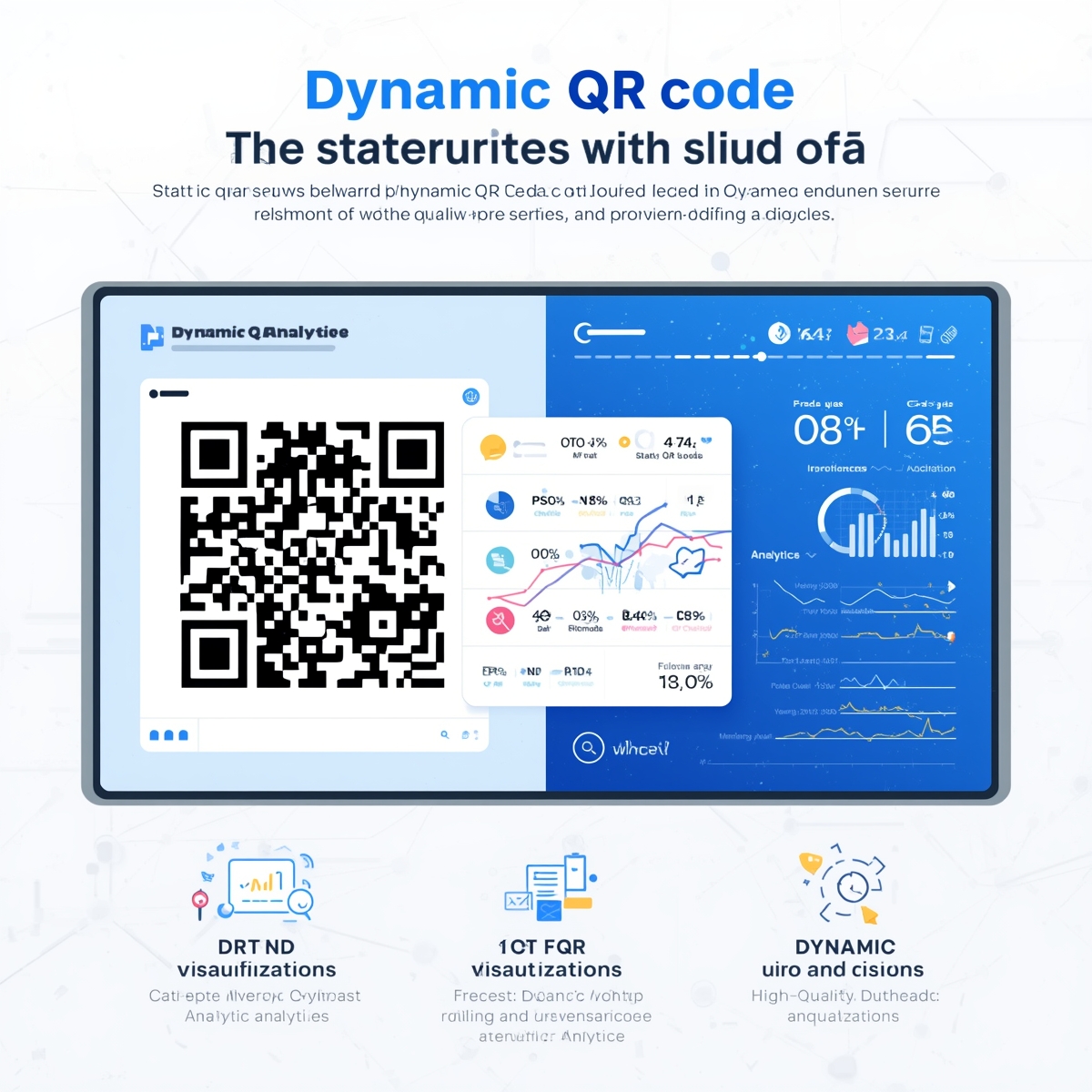
What is a Dynamic QR Code?
A dynamic QR code is a QR code that points to a short URL, which then redirects to your actual content. The QR code itself never changes, but you can update where it points to at any time. This makes dynamic QR codes editable, trackable, and perfect for businesses that need flexibility.
How Dynamic QR Codes Work
- QR Code Created: A QR code is generated that points to a short URL (e.g.,
customqr.pro/r/abc123) - Short URL Redirects: When scanned, the short URL redirects to your actual destination
- Content Stored Online: Your actual content (URL, text, etc.) is stored in a database
- Update Anytime: You can change the destination without changing the QR code
- Analytics Tracked: Every scan is recorded with time, location, and device data
Key Components
- Short URL: The redirect link (e.g.,
customqr.pro/r/abc123) - Dashboard: Where you manage and update content
- Analytics: Scan tracking and statistics
- Database: Stores your actual content and redirects
Dynamic vs. Static QR Codes
Static QR Codes
How They Work:
- Content is directly encoded in the QR code
- QR code image contains all the information
- Cannot be changed after creation
Characteristics:
- ✅ Simple and straightforward
- ✅ No internet required to decode
- ✅ No ongoing costs
- ✅ Works offline
- ❌ Cannot update content
- ❌ No analytics
- ❌ Must reprint to change
Best For:
- Personal use
- One-time events
- Fixed content
- Offline scenarios
Dynamic QR Codes
How They Work:
- QR code points to a short URL
- Short URL redirects to actual content
- Content stored in online database
Characteristics:
- ✅ Update content anytime
- ✅ Analytics and tracking
- ✅ A/B testing capabilities
- ✅ Time-limited access
- ❌ Requires internet connection
- ❌ Usually requires subscription
- ❌ Slightly more complex
Best For:
- Business use
- Marketing campaigns
- Content that changes
- Need for analytics
Benefits of Dynamic QR Codes
Content Flexibility
Update Without Reprinting
- Change URLs instantly
- Update product information
- Modify campaign landing pages
- Fix errors without reprinting
Multiple Uses
- One code for different content
- Seasonal campaigns
- A/B testing different pages
- Time-sensitive promotions
Analytics and Tracking
Scan Statistics
- Total Scans: How many times scanned
- Unique Scans: Number of unique users
- Time Data: When scans occurred
- Location Data: Where scans happened (if enabled)
- Device Data: What devices were used
Business Insights
- Campaign performance
- User engagement
- Peak usage times
- Geographic distribution
- Conversion tracking
Advanced Features
Time-Limited Access
- Set expiration dates
- Schedule start/end times
- Temporary access codes
- Event-specific codes
Access Control
- Password protection
- User authentication
- IP restrictions
- Device limitations
Customization
- Custom short URLs
- Branded redirect pages
- Custom domains
- White-label options
When to Use Dynamic QR Codes
Marketing Campaigns
Use Cases:
- Product launches with changing landing pages
- Seasonal promotions
- A/B testing different offers
- Event marketing with updates
Benefits:
- Update campaigns without reprinting materials
- Track which campaigns perform best
- Test different messaging
- Respond to market changes quickly
Business Operations
Use Cases:
- Restaurant menus that change daily
- Hotel WiFi passwords that rotate
- Product pages that get updated
- Service information that changes
Benefits:
- Keep information current
- Reduce printing costs
- Improve customer experience
- Maintain accuracy
Events and Conferences
Use Cases:
- Event schedules that update
- Speaker information changes
- Networking contact exchange
- Session feedback collection
Benefits:
- Update information in real-time
- Track event engagement
- Collect attendee data
- Improve future events
Real Estate
Use Cases:
- Property listings that change
- Open house schedules
- Virtual tour links
- Agent contact updates
Benefits:
- Keep listings current
- Track property interest
- Update availability
- Measure marketing effectiveness
How to Create Dynamic QR Codes
Step 1: Choose a Dynamic QR Code Service
Select a service that offers dynamic QR codes:
Key Features to Look For:
- Content editing capabilities
- Analytics dashboard
- Reasonable pricing
- Good support
- API access (if needed)
Recommendation: CustomQR.pro offers dynamic QR codes with comprehensive analytics and easy content management.
Step 2: Create Your QR Code
- Sign Up: Create an account (usually required)
- Choose Type: Select URL, text, vCard, etc.
- Enter Content: Add your initial content
- Customize Design: Add logo, colors, frame
- Generate: Create your dynamic QR code
Step 3: Download and Use
- Download: Get your QR code image
- Print/Display: Use in your materials
- Access Dashboard: Log in to manage content
- Update Anytime: Change content as needed
Step 4: Monitor Analytics
- View Dashboard: Check scan statistics
- Analyze Data: Review engagement metrics
- Optimize: Use insights to improve campaigns
- Report: Share data with stakeholders
Dynamic QR Code Analytics
What Data You Get
Basic Metrics
- Total Scans: Total number of scans
- Unique Scans: Number of unique users
- Scan Rate: Scans per day/week/month
- Growth Trend: Increasing or decreasing
Advanced Metrics
- Time Distribution: When scans occur
- Geographic Data: Where scans happen
- Device Breakdown: Mobile vs. desktop
- Operating Systems: iOS vs. Android
- Browsers: Chrome, Safari, etc.
Business Metrics
- Conversion Rate: Scans to actions
- Engagement Time: How long users stay
- Bounce Rate: Immediate exits
- Return Scans: Repeat users
How to Use Analytics
Campaign Optimization
- Identify best-performing campaigns
- Test different landing pages
- Optimize scan times
- Improve conversion rates
Business Decisions
- Measure marketing ROI
- Understand customer behavior
- Plan resource allocation
- Improve customer experience
Best Practices for Dynamic QR Codes
Content Management
Keep Content Current
- Update regularly
- Remove outdated information
- Test redirects periodically
- Monitor for broken links
Organize Your Codes
- Use descriptive names
- Group by campaign or purpose
- Tag for easy searching
- Archive unused codes
Analytics Usage
Regular Monitoring
- Check analytics weekly
- Review trends monthly
- Identify patterns
- Act on insights
Data-Driven Decisions
- Use data to optimize
- Test based on insights
- Measure improvements
- Report results
Security Considerations
Access Control
- Use strong passwords
- Enable two-factor authentication
- Limit user access
- Monitor for suspicious activity
Content Security
- Use HTTPS for redirects
- Validate redirect URLs
- Monitor for malicious content
- Keep software updated
Cost Considerations
Free vs. Paid Plans
Free Plans:
- Usually limited features
- Basic analytics
- Limited codes
- Watermarks or branding
Paid Plans:
- Full feature access
- Advanced analytics
- Unlimited codes
- Custom branding
- Priority support
Recommendation: For business use, paid plans typically offer better value with advanced features and support.
ROI Calculation
Factors to Consider:
- Printing costs saved (no reprints)
- Time saved (quick updates)
- Analytics value (data insights)
- Campaign performance (better results)
- Customer satisfaction (current information)
Frequently Asked Questions
Q: Can I convert a static QR code to dynamic?
A: No, static and dynamic QR codes work differently. Static codes encode content directly, while dynamic codes use redirects. You'll need to create a new dynamic QR code. However, you can use the same design and content.
Q: Do dynamic QR codes require internet?
A: Yes, dynamic QR codes require an internet connection to redirect to your content. The initial scan needs internet to reach the short URL and redirect. However, once redirected, the destination content may be cached.
Q: How long do dynamic QR codes last?
A: Dynamic QR codes can last indefinitely as long as you maintain your account and the service is active. You can also set expiration dates for time-limited campaigns. The QR code image itself never expires.
Q: Can I track who scanned my dynamic QR code?
A: Dynamic QR codes provide analytics on scans (time, location, device), but typically don't identify individual users unless they provide information (e.g., through a form on the landing page). Privacy regulations may limit personal data collection.
Q: What happens if I cancel my dynamic QR code subscription?
A: This depends on the service. Some services may:
- Keep codes active for a grace period
- Convert to static codes
- Deactivate codes immediately
- Allow export of data
Check your service's terms before canceling.
Q: Can I use my own domain for dynamic QR codes?
A: Many professional services offer custom domain options (e.g., yourbrand.com/r/abc123 instead of service.com/r/abc123). This is usually available on higher-tier plans and requires domain configuration.
Summary
Dynamic QR codes offer flexibility, analytics, and advanced features that static codes cannot provide. They're ideal for businesses that need to update content, track engagement, or run marketing campaigns. While they require a subscription and internet connection, the benefits often outweigh the costs for professional use.
Key Takeaways:
- Dynamic QR codes use short URLs that redirect to your content
- You can update content anytime without reprinting
- Analytics provide valuable insights into user behavior
- Best for businesses, marketing campaigns, and changing content
- Consider cost vs. benefits when choosing static vs. dynamic
Ready to create dynamic QR codes? Start creating →
Related Resources
- Create Dynamic QR Code - Start creating editable QR codes
- Dynamic QR Codes Explained - Learn the basics
- QR Code Analytics Guide - Understand tracking
- Static vs. Dynamic QR Codes - Compare options
- View Pricing - See dynamic QR code plans
Start Creating
Ready to experience the power of dynamic QR codes? Create your first one →
Ready to Create Your QR Code?
Put what you've learned into practice. Generate your first QR code in minutes.
Start Generating QR CodesRelated Articles
Why Use QR Code? Benefits, Use Cases, and Real-World Applications
Discover why QR codes are essential for businesses and individuals. Learn about QR code benefits, use cases, ROI, and success stories. Find out when and how to use QR codes effectively.
When to Use QR Code: Best Use Cases and Timing Guide
Learn when to use QR codes effectively. Discover the best scenarios, timing, and use cases for QR codes in business and personal applications. Avoid common mistakes.
What Size Should QR Code Be? Complete Size Guide for All Use Cases
Learn the optimal QR code size for printing, digital display, and different applications. Understand minimum size requirements, distance calculations, and best practices for QR code dimensions.