Are QR Codes Safe? Everything You Need to Know About QR Code Security
Learn about QR code security, common scams like quishing, and how to protect yourself when scanning QR codes in public. Complete guide for users and businesses to stay safe.
As QR codes become more common in restaurants, shops, and advertisements, many people are asking: Are QR codes safe? While the technology itself is secure, hackers have found ways to use them for malicious purposes.
In this guide, we’ll dive into the world of QR code security, explain the risks, and show you exactly how to stay safe when scanning.
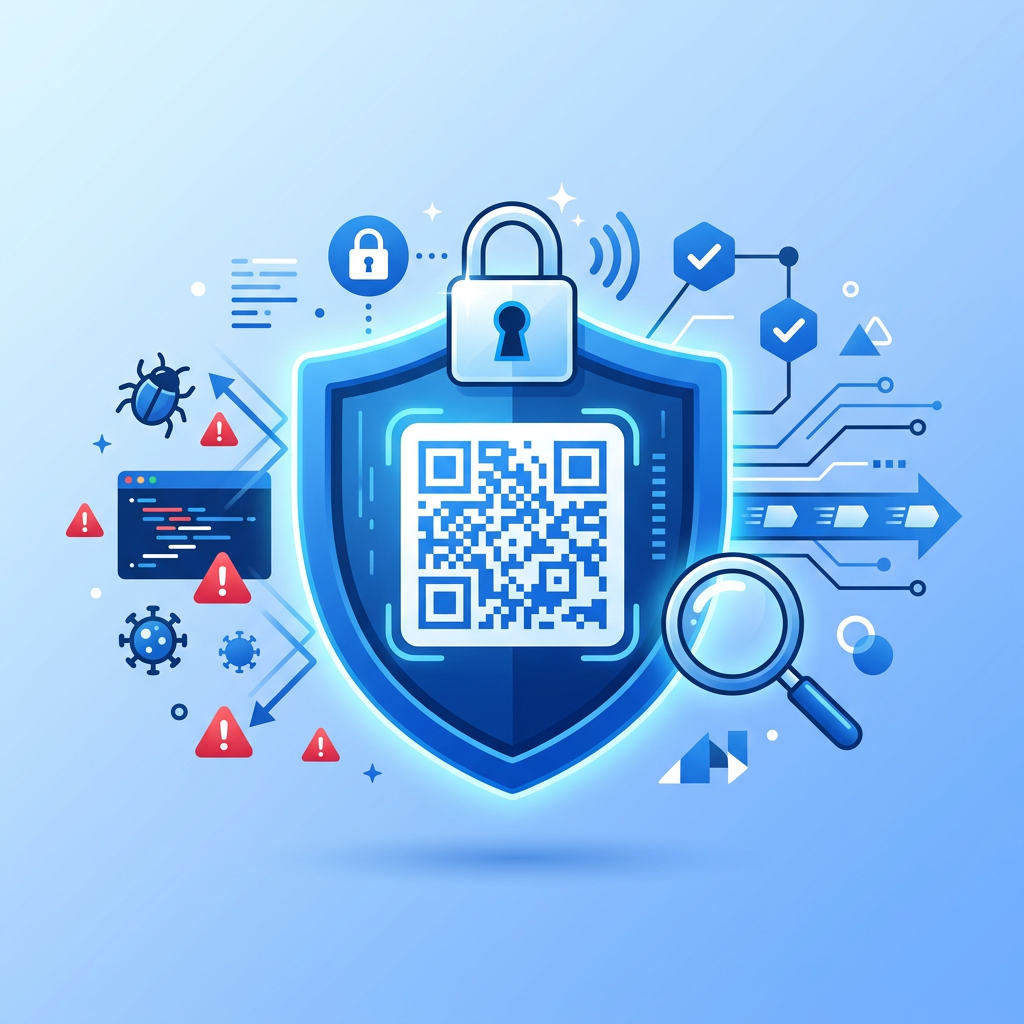
Can a QR Code Be Malicious?
Technically, a QR code is just a way to store data (usually a URL). The code itself doesn't contain a virus. However, the content it links to can be malicious.
Think of a QR code like a package delivered to your door. The cardboard box isn't dangerous, but you need to know what's inside before you open it.
Common QR Code Risks
- Quishing (QR Phishing): Hackers replace a legitimate QR code with a fraudulent one. For example, they might stick a fake QR code over the real one on a parking meter to steal your payment info.
- Malicious Redirects: A QR code might lead you to a website that looks real but is designed to steal your passwords or install malware on your phone.
- App Downloads: Some codes might prompt you to download an app that contains spyware.
How to Tell if a QR Code is Safe
You can't "see" if a QR code is safe just by looking at the pattern, but you can look for these warning signs:
1. Check for Tampering
If you’re scanning a QR code on a physical sign or sticker, look closely. Does it look like a sticker has been placed over the original code? If it looks peeled or layered, don't scan it.
2. Verify the Source
Is the QR code in a logical place? A menu at a restaurant is likely safe. A random sticker on a lamp post promising "Free Bitcoin" is a major red flag.
3. Preview the URL
Most modern smartphone cameras will show you a preview of the website link when you point your camera at the code. Always look at the URL before you tap.
- Does it use
https://(secure)? - Is the domain name spelled correctly? (e.g.,
google.comvsg00gle.com) - Is it a shortened URL (like
bit.ly) where you can't see the final destination? Be extra cautious with these.
Tips for Scanning QR Codes Safely
- Avoid using third-party scanner apps: Most modern iPhones and Android phones have QR scanning built into the native camera app. These are generally safer and more up-to-date than random apps from the app store.
- Never enter sensitive info after scanning: If a QR code takes you to a login page or asks for your credit card details, stop. Go to the official website directly by typing the address into your browser instead.
- Keep your phone updated: Security updates for your phone often include patches for the browser and camera that help block malicious sites.
For Businesses: How to Protect Your Customers
If you use QR codes for your business, you have a responsibility to keep your customers safe:
- Use Dynamic QR Codes: With dynamic QR codes, you can change the destination URL if a link is compromised without changing the printed code.
- Choose a Secure Generator: Use a professional tool like CustomQR.pro that uses secure HTTPS links and provides scan analytics to monitor for unusual activity.
- Protect Physical Codes: Regularly check your printed QR codes (on tables, posters, or business cards) to ensure nobody has stuck a fake one over them.
- Add Your Logo: Customizing your QR code with a logo makes it harder for scammers to replicate and gives customers confidence that the code belongs to you.
Frequently Asked Questions
Can someone hack my phone by scanning a QR code?
Simply scanning a code is very unlikely to hack your phone. The danger comes when the user interacts with the link—like downloading a file, entering a password, or granting permissions to a malicious site.
Are dynamic QR codes safer than static ones?
From a management perspective, yes. If you realize a static QR code links to a broken or hijacked site, you have to reprint everything. With a dynamic code, you can update the link instantly through your dashboard.
Do QR codes expire?
Static QR codes never expire as long as the content they point to exists. However, if a website is taken down, the code becomes useless. Read our full guide on QR code expiration for more details.
Conclusion
QR codes are a safe and incredibly useful technology when used with a little bit of caution. By habitually checking URLs and being mindful of where you scan, you can enjoy the convenience of QR codes without the worry.
Ready to create a secure, professional QR code for your business? Get started with CustomQR.pro today →
Ready to Create Your QR Code?
Put what you've learned into practice. Generate your first QR code in minutes.
Start Generating QR Codes